Start here
Free No card needed- 13 complete Essentials and starter lessons
- Map discovery and public reference guides
- Message boards for eligible accounts, with no paid requirement
 PREPPER
WELCOME TO PREPPER
A useful first lesson.
A community to keep learning with.
Make room for a more prepared everyday. Explore complete free guides for home and outdoors, then bring your questions to the message board.
Free guides now · No card needed · Android and iPhone toolkit in developmentYour home.
Your next adventure.
Your people.
YOUR FREE STARTING POINT
Choose something useful today. Read a complete lesson, mark what you’ve reviewed and come back for the next small step. No account or card needed.
Three starting points. One short lesson. Take it at your pace.
Useful from your very first visit. All 13 Essentials are free to read here. Review marks record your learning, not whether your household is ready.
START FREE · UPGRADE WHEN YOU NEED IT
Launch prices before any applicable taxes. Store checkout will confirm the local price when sales open. Device testing and payment setup are still underway.
Recurring Survival Guides membership is a separate future offer. No recurring price or subscription is offered here. Free guides stay free.
WHY THIS APP
When you have more time, explore the practical value of a prepared offline kit through a seven-stop visual guide.
Explore the interactive guide ↗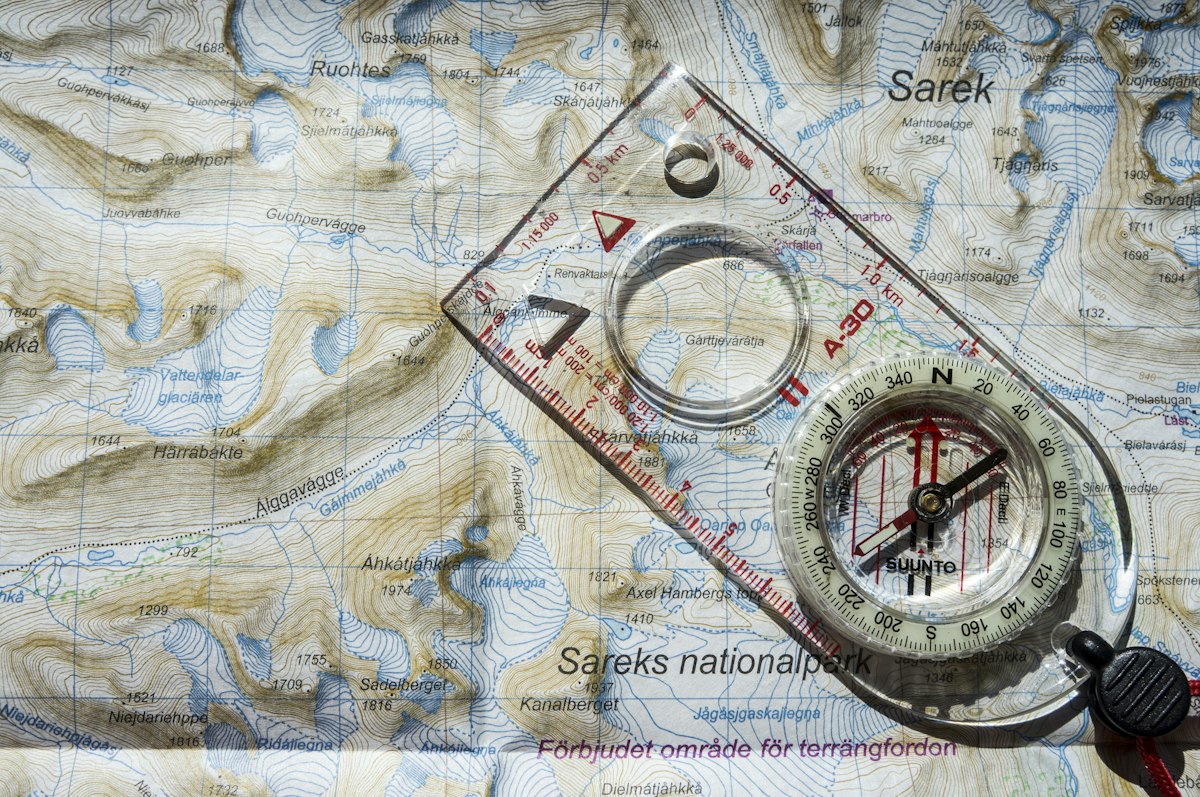 7 CONNECTIONS TO A MORE PREPARED YOU ↗
PREVIEW THE APP WE’RE BUILDING
Discover Prepper here. Your survival tools will live in the installed app, alongside the information you choose to carry.
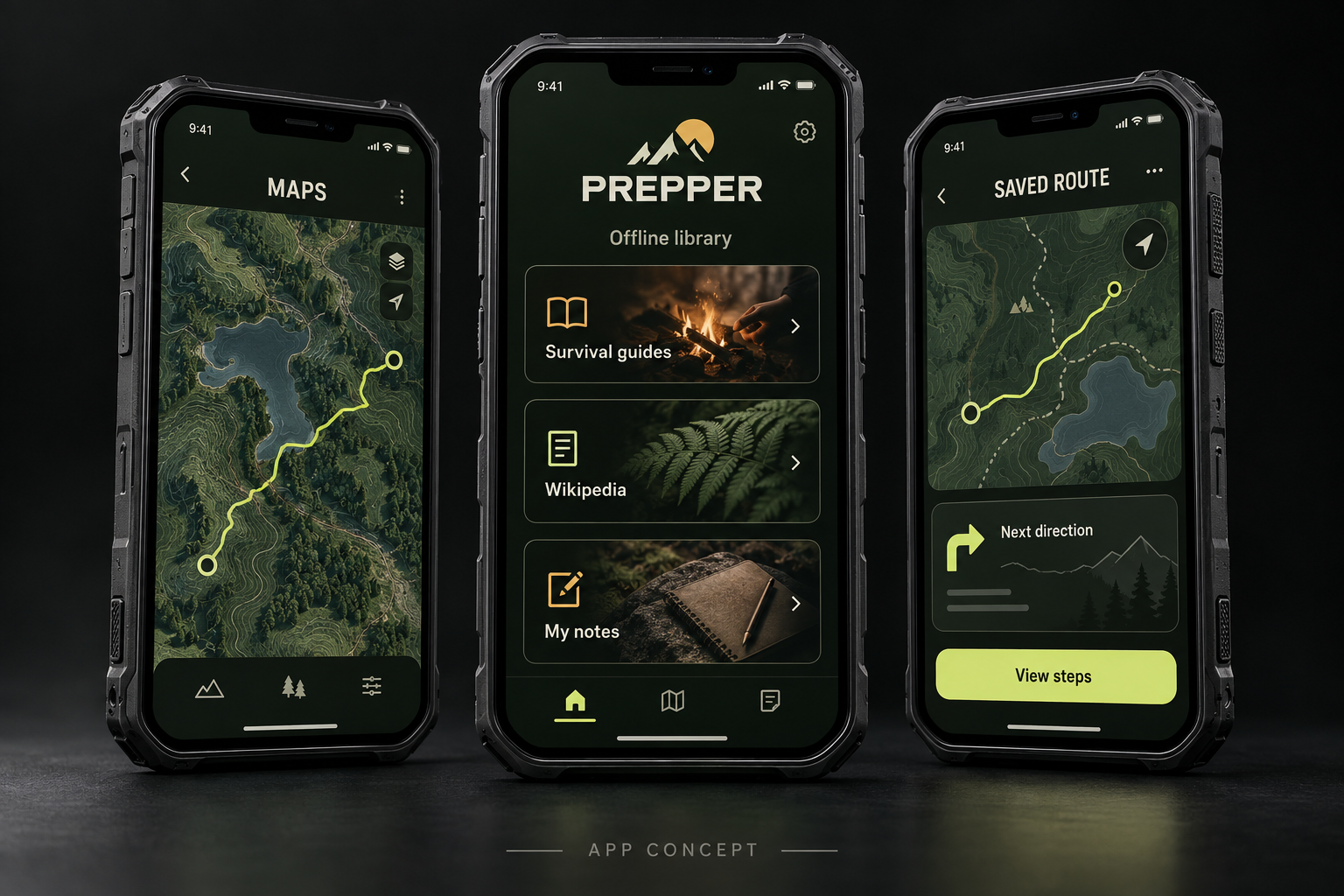
The native development app supports compatible PMTiles map imports, saved GPX tracks and foreground GPS. It does not generate turn-by-turn road routes.
Explore Maps free ↑Read 13 complete Essentials free today. Larger reference archives are a separate choice; Wikipedia ZIM archives currently need a compatible external reader.
Read the free Essentials ↑The development app now includes kit lists, private notes and passphrase-encrypted backups. Physical-device validation is underway before release.
See how private storage will work ↓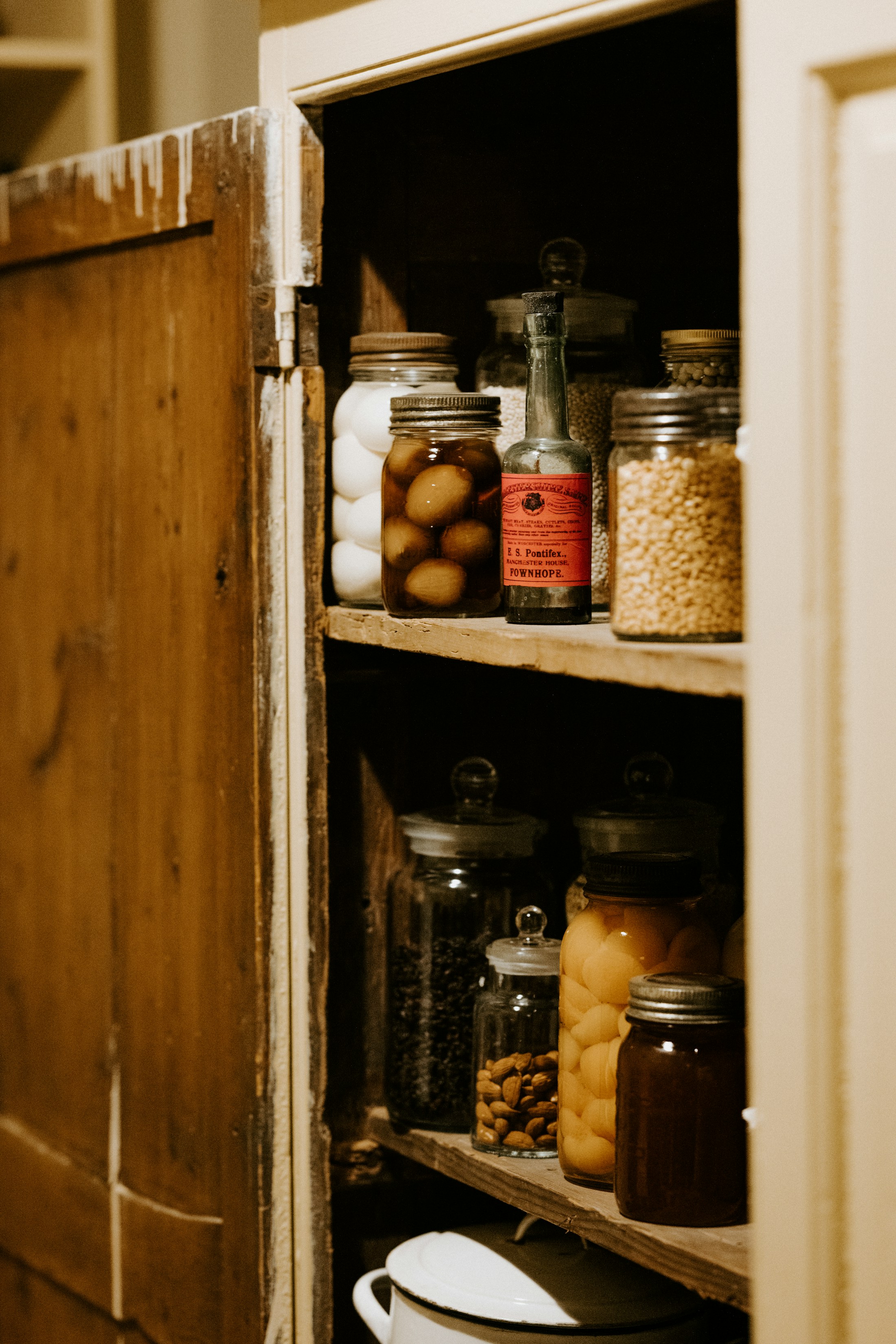
READY AT HOME
Bring food, water, supplies and the information you need into a plan you can practise.
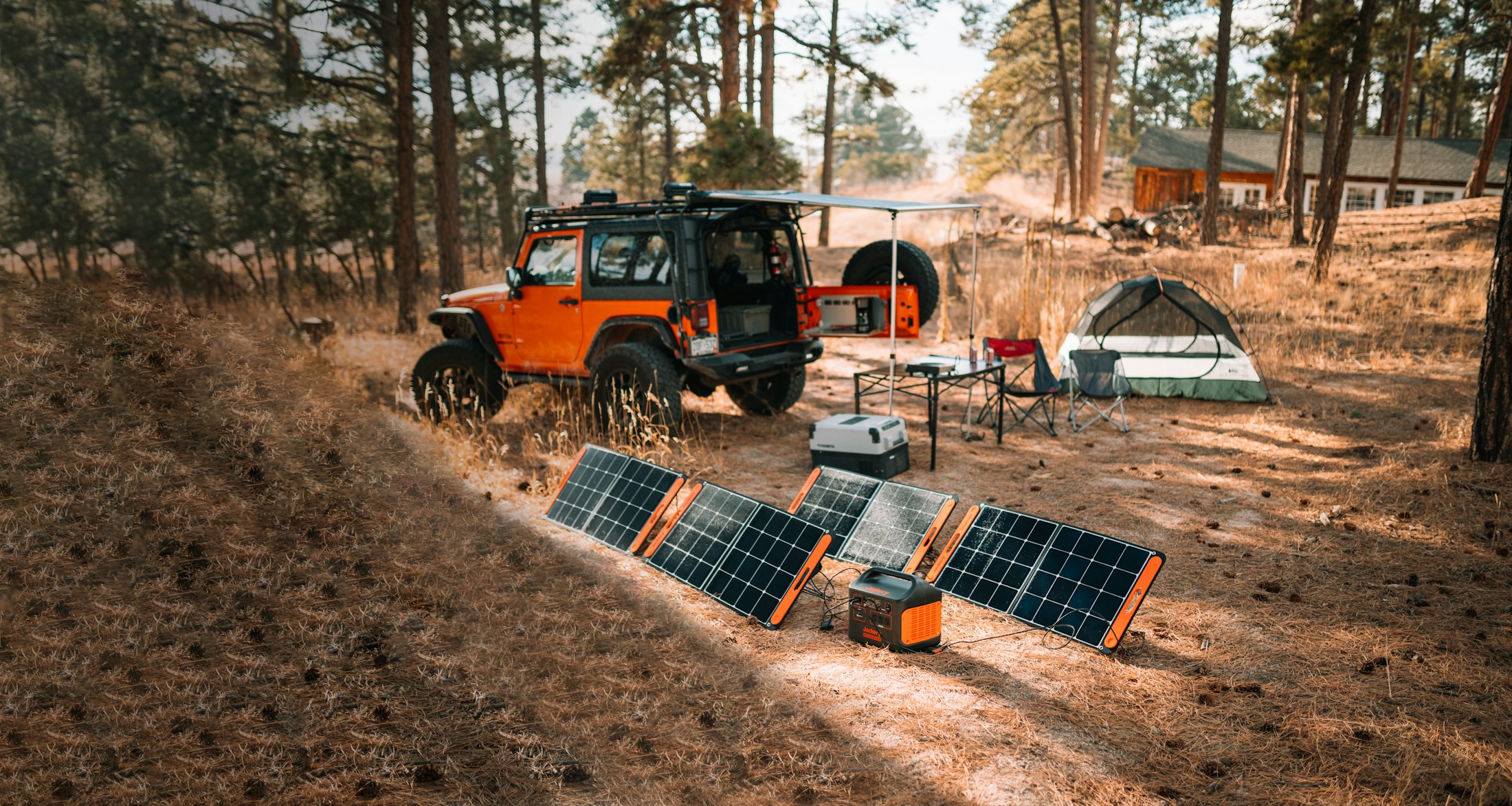
READY BEYOND COVERAGE
A charged phone, compatible power bank and tested charging setup belong in the kit too.
SMALL PHONE. BIG LIBRARY.
The app lives on your phone. A compatible USB drive can hold larger reference packs and backups. Keep your active route and essential guides on the phone.
256 GB is a useful starting point for this example. Choose the drive after checking the files you actually want.
This is a storage illustration, not a scan of your device.
Decimal GB, before formatting and existing files. Region size and map detail change the total. Imports or updates may need a second full copy; this 256 GB example does not fit two copies of the pictured Wikipedia pack.
Kiwix stores reference snapshots as ZIM files. Maps are a separate download.
English “mini” · June 2026. Introductions and infoboxes, rather than every full article.
English “nopic” · June 2026. Full articles in a smaller text-focused pack.
English “maxi” · August 2026. A snapshot with images; not every language or revision.
Official file sizes checked September 14, 2026. Smaller selections are also available. View Kiwix’s current catalog ↗ · Understand the pack types ↗
THE FREE PREPPER READING ROOM
These are complete original Essentials. Start here, then open all three planning steps and their source references. No account or unlock required.
WATER & FOODList shelf-stable food, dates, dietary needs and a manual can opener where appropriate. Add food and supplies for pets and dependants.
Read all three steps free ↑POWER & EVERYDAYList essential lights, communications, refrigeration and medical equipment, and how long each backup actually lasts in a safe practice test.
Read all three steps free ↑MAPS & OUTDOORSSave maps for your home area, destination and alternate route while connected. Check the date, coverage and app needed to open them.
Read all three steps free ↑START SMALL. KEEP GOING.
Read freely. Join the community when you’re ready to exchange practical experience.
PREPARATION IS PART OF THE PRODUCT
The intended setup journey, once the app and content integrations are released. Start with a small, working kit and expand it.
Use a compatible Android phone or iPhone with a healthy battery, supported operating system and enough free space. An older spare can be useful after it passes those checks.
When released, use the official store listing. Free Essentials and discovery introduce the app; the message board uses your UpSol account. The protected personal Toolkit is a separate one-time unlock.
Select local guides and a supported offline map for your destination. Save your own route notes or import a GPX track; Prepper does not generate turn-by-turn driving directions. Review the actual sizes and open each selected download before departure.
Choose a compatible drive with enough space for your selected files and update reserve, using the correct adapter. Smaller guide collections do not require a 256 GB drive. Allow file access, copy selected packs and verify they open. Some apps import a copy into phone storage; some drives need external power.
Turn mobile data and Wi-Fi off, close and reopen the app, find a saved guide and practise the route outdoors. Confirm the phone’s location and test access after unplugging and reconnecting the drive.
Start with local maps and a smaller text library. Check battery health, storage, charging port and current app compatibility.
More internal space can make larger packs convenient. USB compatibility and offline operation still need testing.
Prepper’s minimum supported devices and operating systems will be published after native testing. A USB drive holds data; it does not replace the phone’s installed app.
KNOW WHAT YOU’RE TAKING
The purchased, prepared core toolkit is designed to open without recurring online licence checks. Initial installation, purchases, new downloads, community updates and software maintenance need a connection. The development app’s nearby exchange uses paired camera QR codes; Bluetooth and LoRa messaging are not included. These offline integrations still need native-device validation.
A phone with working GPS can obtain satellite position without mobile data. It still needs permission, battery power and satellite reception; an initial fix can take time. Maps and offline directions must be downloaded separately. Foreground GPS and saved tracks are implemented in the development app. Automatic road routing is not included yet, and device testing remains required.
Apple’s GPS guidance ↗No. Wikipedia packs contain reference articles. Regional maps and routing data are separate downloads. We’re planning approved map sources that allow offline storage; a Wikipedia file cannot supply turn-by-turn navigation.
The development app uses a passphrase-encrypted vault and encrypted .prepper backups. Public reference downloads are separate, with clear integrity labels. A custom file extension or a USB drive alone does not provide security. Public Wikipedia and map material retain their own licences and attribution. Native encryption and recovery must be verified before release.
No. Connector, adapter, power, filesystem and app support all matter. Large Wikipedia files exceed FAT32’s 4 GiB single-file limit. A compatible format such as exFAT may be needed; back up an occupied drive before any formatting. Test the exact phone, drive and reader combination.
iPhone external storage ↗Android USB file access ↗The 13 Essentials, starter lessons, Maps discovery and the message board are free. Reading does not require an account; the board uses UpSol sign-in. Personal route records, kit records and encrypted notes belong to the native Toolkit’s verified one-time unlock. Store pricing will be shown when a real offer is available. Recurring membership benefits are not offered on this page.
START BEFORE THE SIGNAL ENDS
Android and iPhone releases are in development. Official download links will appear here when they’re available.
Review your setup plan ↑Free Essentials and community remain available. Final localized pricing appears in the store when the app and offer are ready.